☰ home.allCategories
 EU | EN |
 home.welcomehome.signIn / home.register
0 home.cart
EU | EN | home.welcomehome.signIn / home.register
0 home.cart
EU | EN | 0 home.cart
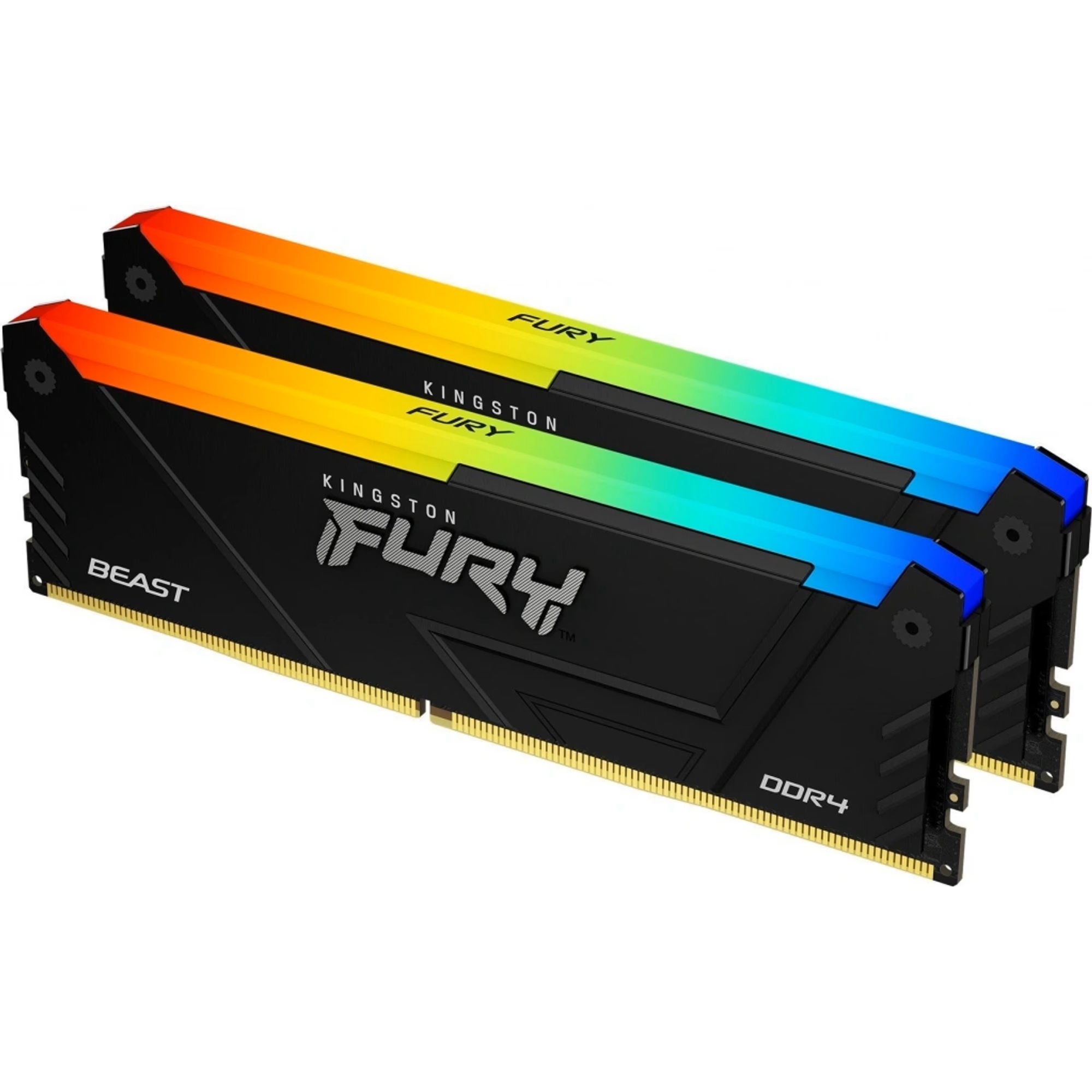
Kingston DDR4 32GB 3200MHz CL16 KF432C16BB12AK2/32
BeyTechproduct.aboutProduct
product.sku
Czhe-Kingston32GBcl
product.category
PC Components & Replacement Parts
product.brand
Kingston
product.supplier
Beyston
product.weight
0.1kg
home.listPrice: €208.01
Andorra - €14
Quantity - 1
20 product.inStock
discountCoupon.discountCoupons
product.checkingViewers
product.otherOffersFromSellersOnBeyston
product.description
Kingston FURY Beast DDR4 32 GB (2×16 GB) 3200 MHz CL16 – KF432C16BB12AK2/32
The Kingston FURY Beast DDR4 32 GB kit (2 × 16 GB) is designed for performance-oriented desktop systems and gaming rigs. With a rated speed of 3200 MHz and CAS latency of CL16, this dual-channel memory kit offers a strong balance of speed, capacity, and compatibility.
Key Features
- Total Capacity: 32 GB (2 × 16 GB) dual-channel kit. :contentReference[oaicite:1]{index=1}
- Speed & Timing: DDR4-3200 MHz (PC4-25600) with CL16-18-18 timing at 1.35 V when the XMP profile is enabled. :contentReference[oaicite:2]{index=2}
- Voltage: 1.35 V for XMP profile; JEDEC default 1.2 V at DDR4-2400. :contentReference[oaicite:3]{index=3}
- Form Factor & Modules: 288-pin DIMM modules, tested and optimized for compatibility with Intel and AMD platforms. :contentReference[oaicite:4]{index=4}
- XMP Profile Support: Supports Intel XMP 2.0 for one-click enabling of performance settings. :contentReference[oaicite:5]{index=5}
- Cooling & Design: Kit includes heat-spreader modules (part of the FURY Beast line) for desktop use with dual-channel memory. :contentReference[oaicite:6]{index=6}
Benefits
- Ample Capacity: 32 GB is ideal for modern gaming, streaming, and multitasking, giving you headroom for running games, multiple applications, and background tasks.
- Good Performance Tier: The 3200 MHz speed with CL16 latency is a well-balanced choice for many systems — providing performance without excessive cost or compatibility issues compared to slower memory.
- Easy Setup: With XMP support, you can enable the full 3200 MHz profile in BIOS with minimal manual tuning. If XMP isn’t enabled, the memory will default to a safe JEDEC speed. :contentReference[oaicite:7]{index=7}
- Proven Compatibility: Kingston is well established and the FURY line is widely used; checking your motherboard’s memory QVL (Qualified Vendor List) is still recommended for best results.
Package Contents
- 2 × 16 GB DDR4 memory modules (KF432C16BB12AK2/32 kit)
- Documentation / Warranty information
Recommended Compatibility & Tips
- Ensure your motherboard supports DDR4 memory and can handle 3200 MHz speeds (check QVL and BIOS updates).
- After installation, enable the XMP profile (or equivalent setting) in BIOS to achieve full 3200 MHz speed and CL16 timing. Without it, memory may run at a lower default speed. :contentReference[oaicite:8]{index=8}
- If using in an AMD system, ensure your Infinity/Fabric clock (FCLK) is configured appropriately (often ~1600 MHz with DDR4-3200) for optimal performance.
- Make sure your memory modules have enough clearance from your CPU cooler, especially if it has a large heatsink. Although these modules are not extremely tall, verifying clearance helps avoid physical interference.
Keywords
Kingston, FURY Beast, DDR4, 32 GB kit, 2×16 GB, 3200 MHz, CL16, Intel XMP 2.0, gaming memory, desktop RAM kit