 EU | EN | EU | EN | EU | EN |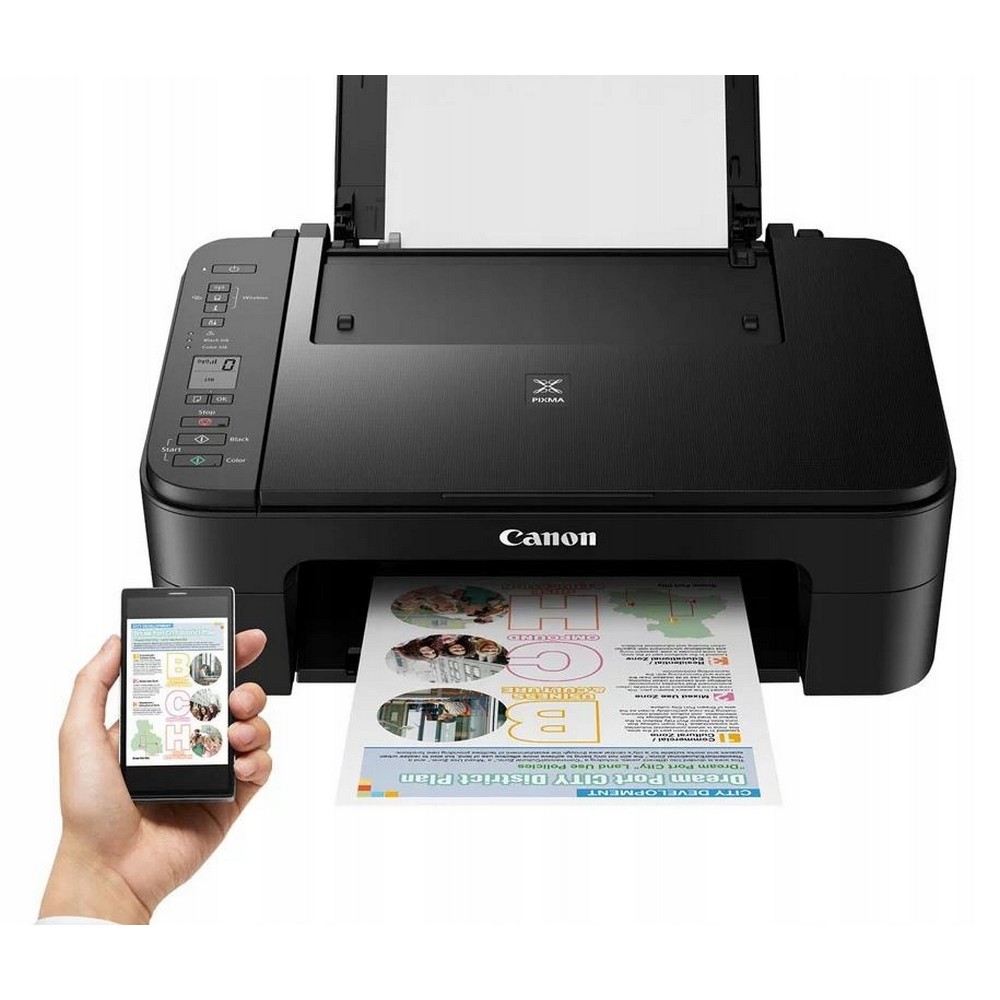
Canon Pixma TS3350 WiFi Printer Copier Scanner WITHOUT INK
BeyTechproduct.aboutProduct
product.sku
Plal-Scanner153v
product.category
Scanners
product.brand
Canon
product.supplier
Beyston
product.weight
5kg
home.listPrice: €59.51
20 product.inStock
discountCoupon.discountCoupons
product.otherOffersFromSellersOnBeyston
product.description
Canon Pixma TS3350 WiFi Printer Copier Scanner (Without Ink)
The Canon Pixma TS3350 WiFi Printer Copier Scanner is a compact and user-friendly all-in-one device designed for everyday home printing needs. Offering reliable print, scan, and copy functions with wireless connectivity, this printer delivers sharp text and vivid color output while fitting easily into small spaces. This product is supplied without ink, allowing users to choose compatible cartridges as needed.
Features
- 3-in-1 multifunction printer: Print, scan, and copy with a single compact device.
- Wireless connectivity: Built-in WiFi for easy printing from smartphones, tablets, and laptops.
- High-quality color printing: Crisp documents and vibrant photos with Canon inkjet technology.
- Compact design: Space-saving build ideal for home and small office environments.
- Easy mobile printing: Compatible with Canon PRINT app, AirPrint, and Mopria.
- Supplied without ink: Allows flexibility to purchase preferred compatible ink cartridges.
Benefits
- Handles daily printing, scanning, and copying tasks with ease.
- Wireless printing improves convenience and reduces cable clutter.
- Compact size fits comfortably on desks or shelves.
- Produces clear text and vibrant color prints for documents and photos.
- Freedom to select original or compatible ink cartridges separately.
Package Contents: Canon Pixma TS3350 All-in-One Printer, power cable, setup documentation (ink cartridges not included).
Directions
- Connect the printer to your WiFi network or compatible device.
- Install the Canon printer drivers and mobile printing applications.
- Insert compatible Canon ink cartridges before first use.
- Load suitable paper and adjust print settings as required.
- Perform regular maintenance for optimal print quality.
Keywords
Canon Pixma TS3350, Canon WiFi printer, all-in-one printer, printer copier scanner, home inkjet printer, wireless printer, Canon Pixma printer, printer without ink.