☰ home.allCategories
 EU | EN |
 home.welcomehome.signIn / home.register
0 home.cart
EU | EN | home.welcomehome.signIn / home.register
0 home.cart
EU | EN | 0 home.cart
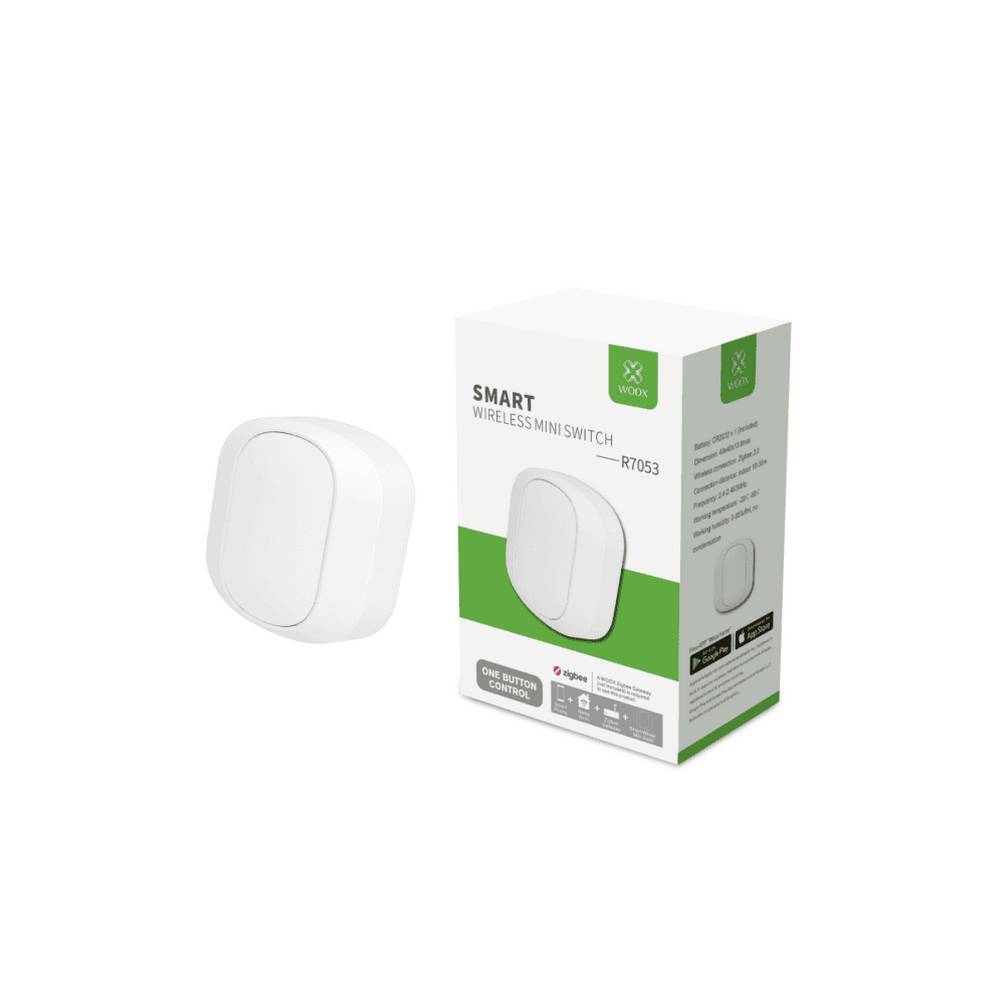
Woox Wireless Push Button Switch for Zigbee Automation R7053
Zentroproduct.aboutProduct
product.sku
Plce-push
product.category
Smart Home
product.brand
Woox
product.supplier
Beyston
product.weight
0.1kg
home.listPrice: €31.22
Andorra - €14
Quantity - 1
20 product.inStock
discountCoupon.discountCoupons
product.checkingViewers
product.otherOffersFromSellersOnBeyston
product.description
Woox Wireless Push Button Switch for Zigbee Automation — R7053
The Woox R7053 is a compact wireless push-button switch designed for effortless addition to any smart home setup. It connects via Zigbee 3.0 and works with the Woox Smart system (and compatible hubs), enabling you to trigger scenes or devices from wherever you place it.
Features
- Zigbee 3.0 connectivity: Fully compatible with Zigbee network for fast and reliable communication. :contentReference[oaicite:1]{index=1}
- Battery powered (CR2032): No wiring required — mount it freely. :contentReference[oaicite:2]{index=2}
- Flexible placement: With a wireless range of approx. 10–30 m indoors, you can position it wherever convenient. :contentReference[oaicite:3]{index=3}
- Single-button control: Simple interface to trigger lights, scenes or other smart devices. :contentReference[oaicite:4]{index=4}
- Minimal installation: “Add-on” switch: you don’t need to break walls or install new wiring. :contentReference[oaicite:5]{index=5}
Benefits
- Allows easy control of smart devices without using your phone or voice assistant — just press the button.
- Can be placed anywhere (tabletop, wall-mounted, etc.) thanks to its wireless nature — ideal for guest rooms, hallways, or rental properties.
- Helps create customised automation scenarios (e.g., press once to turn on lights, long-press to trigger alarm) — improves convenience and efficiency.
Package Contents: 1 × Woox R7053 Smart Wireless Mini Switch, 1 × CR2032 battery (pre-installed), mounting accessories and quick-start guide. :contentReference[oaicite:6]{index=6}
Recommended Use / Setup
- Install the Woox Zigbee gateway or compatible Zigbee-hub in your home network.
- Pair the R7053 switch in the Woox Smart (or compatible) app.
- Define actions/triggers in the app (for example: push = light on/off, double-press = scene change, long-press = other device control).
- Place or mount the switch at a convenient location — no additional wiring required.
Keywords
Woox R7053, wireless mini switch, Zigbee 3.0 button, smart home automation, Woox Smart push button, add-on wireless switch, smart scene controller.