 EU | EN | EU | EN | EU | EN |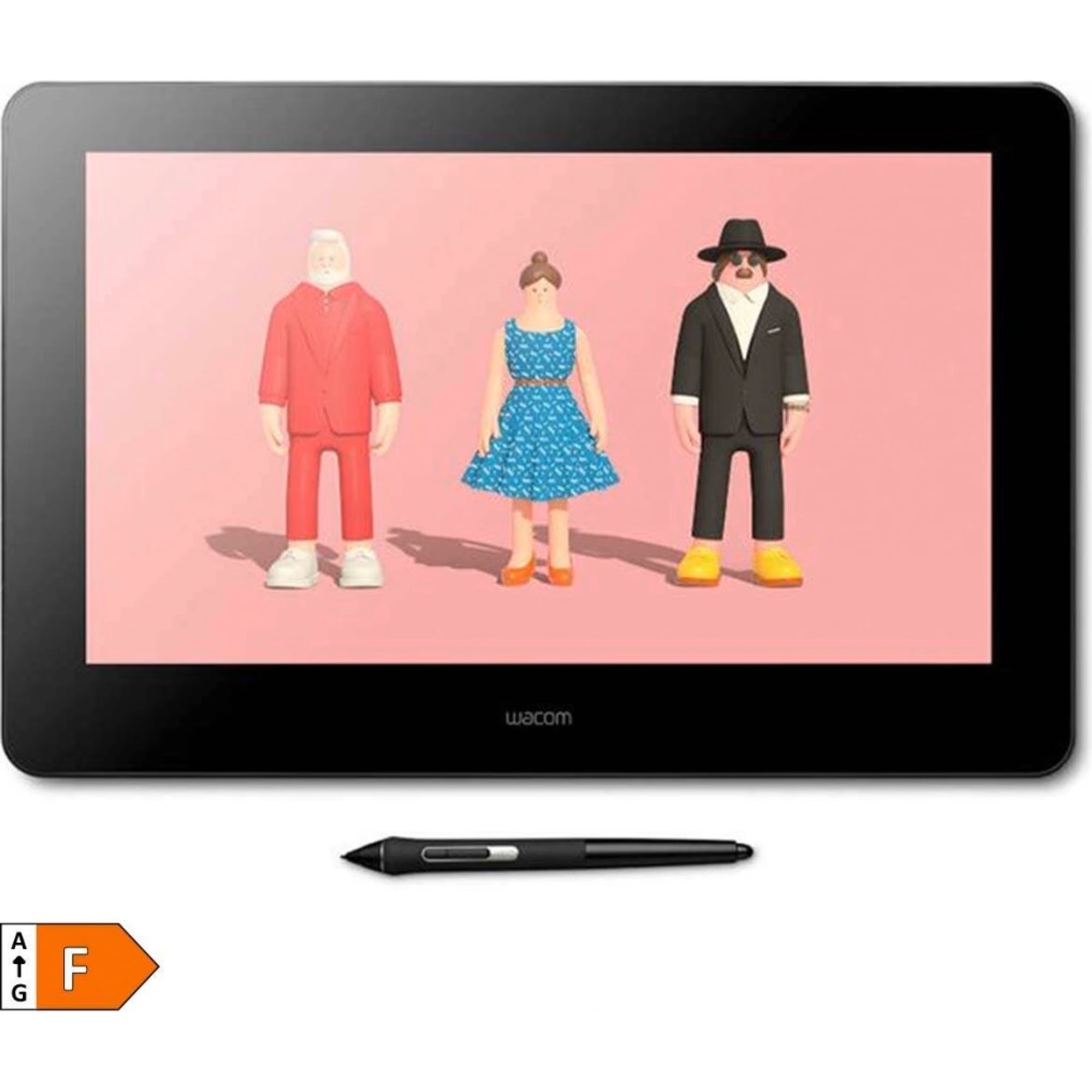
WACOM Cintiq Pro 16
BeyTechproduct.aboutProduct
product.sku
Czhe-Cintiq16
product.category
Laptops, Tablets & E-Readers
product.brand
Wacom
product.supplier
Beyston
product.weight
1.9kg
home.listPrice: €2090.77
20 product.inStock
discountCoupon.discountCoupons
product.otherOffersFromSellersOnBeyston
product.description
Wacom Cintiq Pro 16
The Wacom Cintiq Pro 16 is a professional‑grade pen‑display drawing monitor aimed at illustrators, designers, artists and creatives who prefer drawing directly on a high‑fidelity screen. It combines a 15.6″ 4K‑resolution display, industry‑leading pen technology and excellent colour accuracy in a relatively compact footprint.:contentReference[oaicite:1]{index=1}
Key Specifications
- Display Size & Resolution: 15.6‑inch (39.6 cm) IPS panel, native resolution 3840 × 2160 (4K UHD).:contentReference[oaicite:2]{index=2}
- Active Area: Approx. 344 × 194 mm (13.6″ × 7.6″).:contentReference[oaicite:3]{index=3}
- Colour Gamut / Accuracy: 98% Adobe RGB (CIE1931) typical.:contentReference[oaicite:4]{index=4}
- Brightness: 300 cd/m² typical.:contentReference[oaicite:5]{index=5}
- Pen Technology: Includes the Wacom Pro Pen 2 — battery‑free, 8192 levels of pressure sensitivity, tilt support (~60°).:contentReference[oaicite:6]{index=6}
- Touch & Controls: Multi‑touch supported; includes ExpressKeys (8 rear buttons) and on‑screen controls.:contentReference[oaicite:7]{index=7}
- Connectivity: USB‑C with DisplayPort Alt‑Mode or HDMI + USB‑A.:contentReference[oaicite:8]{index=8}
- Dimensions / Weight: Approx. 410 × 266 × 22 mm (16.1″ × 10.5″ × 0.9″); weight ~1.9 kg (4.2 lbs) without stand.:contentReference[oaicite:9]{index=9}
- Surface Finish: Etched glass surface designed to reduce glare and mimic pen‑on‑paper feel.:contentReference[oaicite:10]{index=10}
Highlights & Features
- Ultra‑sharp 4K screen with very high colour fidelity—ideal for professional work such as illustration, digital painting, colour correction, etc.
- Top‑tier pen experience (Pro Pen 2) – extremely high pressure levels and tilt support for natural drawing and precision.:contentReference[oaicite:11]{index=11}
- Multi‑touch and configurable express buttons give a lot of control and productivity enhancement for creative workflows.:contentReference[oaicite:12]{index=12}
- Compact size for a pen display at this resolution—15.6" means you get a large working area, but it's still somewhat portable compared to much larger screens.
- Connectivity options include USB‑C which simplifies setup when your computer supports DisplayPort Alt‑Mode—fewer cables.:contentReference[oaicite:13]{index=13}
- Surface designed for reduced parallax and good drawing feel—etched finish, anti‑glare, designed for long sessions.:contentReference[oaicite:14]{index=14}
Considerations & Potential Limitations
- Price: As a high‑end professional device, cost is higher than many entry‑level pen tablets or display tablets.
- Size & Weight: At ~1.9 kg and with its footprint, it’s not ultra‑light or ultra‑mobile—better suited for a desktop or semi‑portable setup rather than truly mobile on‑the‑go.
- Cabling & Setup: To fully use the 4K resolution and pen features, you’ll need compatible hardware (USB‑C with DP Alt‑Mode or HDMI + USB) and a powerful enough graphics card.:contentReference[oaicite:15]{index=15}
- Surface Finish: Some users may prefer a smoother glass surface rather than etched texture—so the “paper‑feel” finish might not appeal to everyone. It’s a matter of personal preference.
- Availability: There are some reports of this model being discontinued in certain regions or harder to find—buyers should verify stock.:contentReference[oaicite:16]{index=16}
Conclusion
If you are a creative professional who draws, paints, edits, or designs and desire a high‑accuracy screen with an excellent pen experience, the Wacom Cintiq Pro 16 is a top‑tier choice. It provides premium features in a 16‑inch form factor that’s more manageable than large studio displays—but still delivers top quality.
However, if your budget is limited, you rarely require 4K resolution, or you prefer ultra‑light portability, you might find more value in slightly simpler models or non‑display tablets. But if maximum quality and precision is your priority, this device is hard to beat.
Keywords
Wacom Cintiq Pro 16, 15.6 inch pen display, 4K drawing monitor, Wacom Pro Pen 2, professional creative tablet, digital art display, 98% Adobe RGB, high colour accuracy pen display