☰ home.allCategories
 EU | EN |
 home.welcomehome.signIn / home.register
0 home.cart
EU | EN | home.welcomehome.signIn / home.register
0 home.cart
EU | EN | 0 home.cart
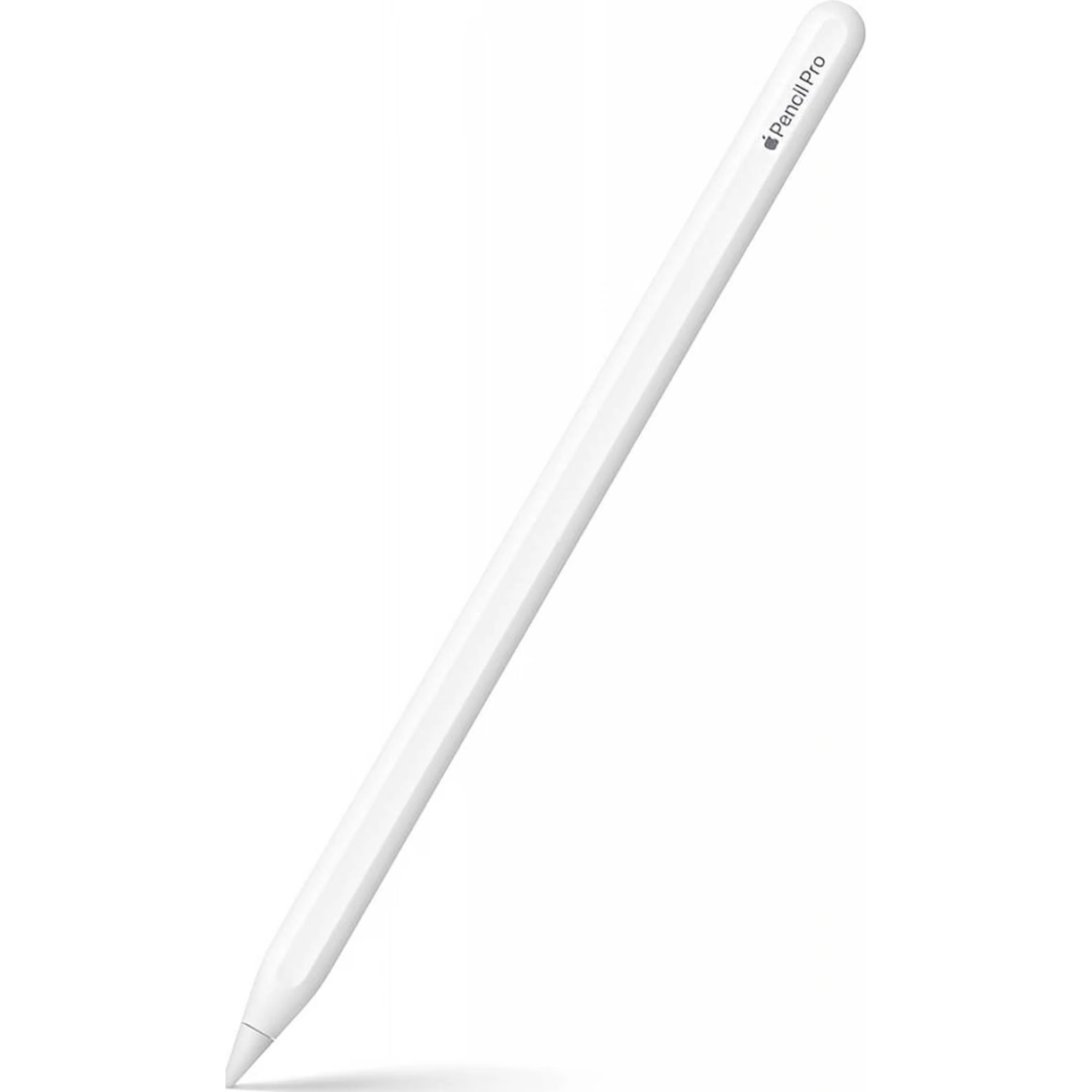
Apple Pencil Pro MX2D3ZM/A
BeyTechproduct.aboutProduct
product.sku
Czhe-PencilPro
product.category
Laptops, Tablets & E-Readers
product.brand
Apple
product.supplier
Beyston
product.weight
0.1kg
home.listPrice: €211.03
Andorra - €14
Quantity - 1
20 product.inStock
discountCoupon.discountCoupons
product.checkingViewers
product.otherOffersFromSellersOnBeyston
product.description
Apple Pencil Pro (MX2D3ZM/A)
The Apple Pencil Pro is Apple’s most advanced stylus designed for compatible iPad models. With professional‑grade features like gesture controls, rotation detection, haptic feedback and hover preview, it helps elevate drawing, sketching, annotating—and creative workflows. :contentReference[oaicite:1]{index=1}
Key Features
- Gesture & tool switching: Squeeze or barrel‑roll the Pencil to access tool palettes, instantly changing brushes, colors or thickness. :contentReference[oaicite:2]{index=2}
- Rotation & tilt support: The built‑in gyroscope detects rotation of the tip, enabling more natural control of brushes and tools. :contentReference[oaicite:3]{index=3}
- Hover preview: See a virtual shadow of where the tip will land before touching the screen—enhancing accuracy and intuitiveness. :contentReference[oaicite:4]{index=4}
- Magnetic pairing & wireless charging: Attaches magnetically to compatible iPads, pairs automatically and charges wirelessly. :contentReference[oaicite:5]{index=5}
- Find My integration: Supports Apple’s “Find My” system so you can locate your stylus if misplaced. :contentReference[oaicite:6]{index=6}
Specifications
- Model Number: MX2D3ZM/A :contentReference[oaicite:7]{index=7}
- Length: ~166 mm (6.53″) :contentReference[oaicite:8]{index=8}
- Diameter: ~8.9 mm :contentReference[oaicite:9]{index=9}
- Weight: ~19.15 g :contentReference[oaicite:10]{index=10}
- Connectivity: Bluetooth + Magnetic attach/charging :contentReference[oaicite:11]{index=11}
- Color: White (standard) :contentReference[oaicite:12]{index=12}
- System Requirement: Requires iPadOS 17.5 or later. :contentReference[oaicite:13]{index=13}
- Compatibility: Compatible with iPad Pro 11″ & 13″ (M4), iPad Air 11″ & 13″ (M2/M3), and iPad mini (A17 Pro) per region availability. :contentReference[oaicite:14]{index=14}
Benefits
- Delivers highly responsive, fluid performance for creative work including illustration, design, sketching or academic note‑taking.
- Gesture controls plus rotation support make it feel more like a real pencil or brush in hand, boosting productivity and creativity.
- Hover and tool‑switching features let you stay immersed in your work rather than switching menus.
- Wireless magnetic charging and automatic pairing simplify setup and keep your workspace tidy.
Things to Consider
- Ensure your iPad model is to the supported list—using this Pencil with an unsupported iPad may lead to reduced functionality or no recognition. :contentReference[oaicite:15]{index=15}
- Because of its advanced features, this stylus comes at a premium price compared to simpler models like the standard Apple Pencil (USB‑C) or 2nd Generation. Be sure these extra features align with your workflow.
Keywords
Apple Pencil Pro, MX2D3ZM/A, stylus for iPad, Apple drawing pen, iPad Pro accessory, professional stylus, gesture control pencil, hover preview stylus.