 EU | EN | EU | EN | EU | EN |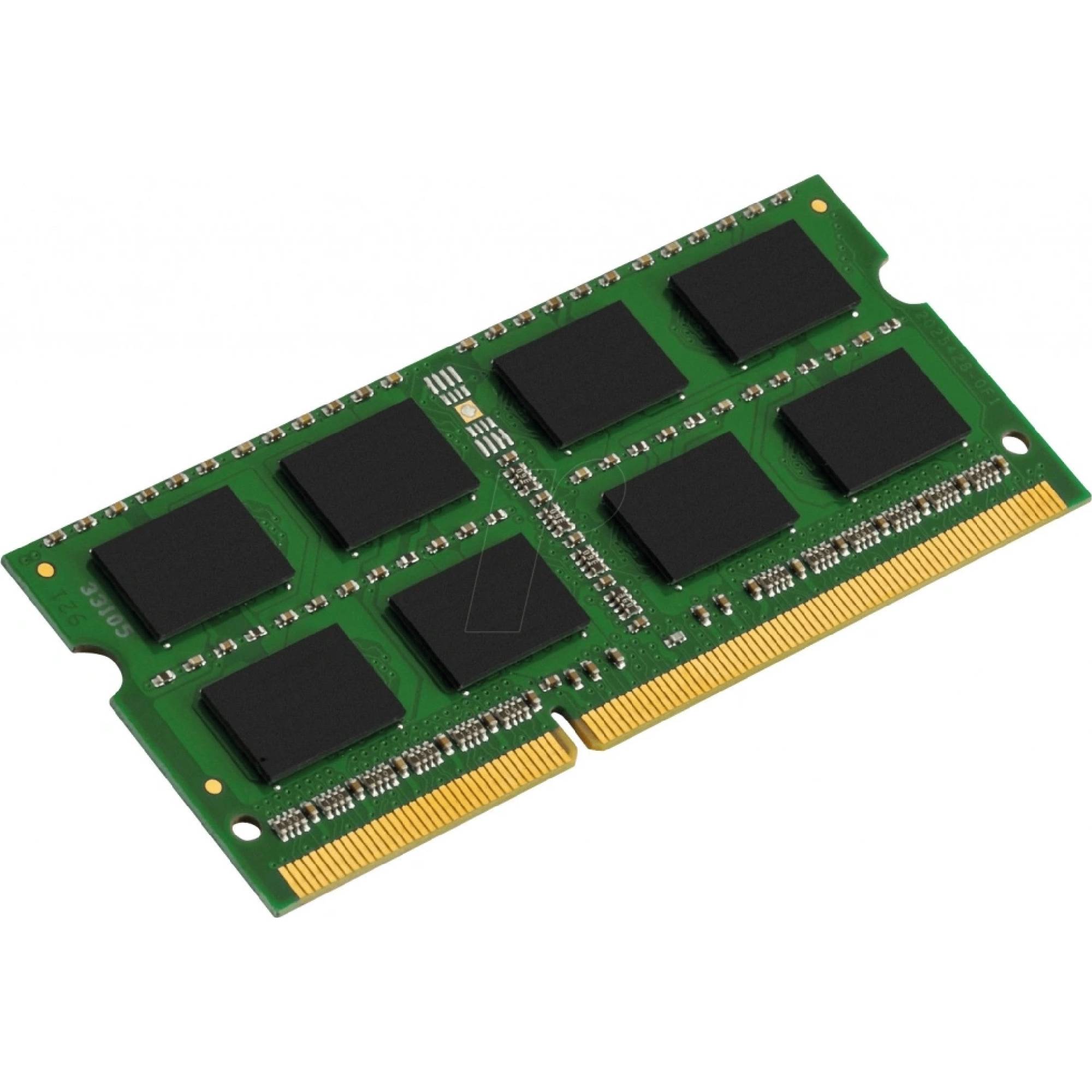
Kingston ValueRAM DDR3 8GB 1600MHz CL11 KVR16LS11/8
BeyTechproduct.aboutProduct
product.sku
Czhe-ValueRAM
product.category
Laptops, Tablets & E-Readers
product.brand
Kingston
product.supplier
Beyston
product.weight
0.1kg
home.listPrice: €68.22
20 product.inStock
discountCoupon.discountCoupons
product.otherOffersFromSellersOnBeyston
product.description
Kingston ValueRAM DDR3 8 GB 1600 MHz CL11 – Model KVR16LS11/8
The Kingston ValueRAM KVR16LS11/8 is a reliable laptop‑memory upgrade module offering 8 GB capacity with DDR3(L) technology at 1600 MHz (PC3‑12800) with CAS latency CL11. It is designed as a 204‑pin SO‑DIMM, targeted for laptops and compact systems supporting DDR3 or DDR3L memory. :contentReference[oaicite:1]{index=1}
Key Features
- Capacity: 8 GB (single module) :contentReference[oaicite:2]{index=2}
- Speed / Bandwidth: 1600 MHz (PC3‑12800) :contentReference[oaicite:3]{index=3}
- CAS Latency (CL): CL11 (timings 11‑11‑11) :contentReference[oaicite:4]{index=4}
- Voltage: 1.35 V (DDR3L) and also compatible at 1.5 V typical DDR3 levels :contentReference[oaicite:5]{index=5}
- Form Factor: 204‑pin SO‑DIMM, for laptops and small form‑factor systems. :contentReference[oaicite:6]{index=6}
- Technology: Non‑ECC, unbuffered memory module (consumer grade) :contentReference[oaicite:7]{index=7}
Benefits
- Upgrading to 8 GB of RAM can significantly improve system responsiveness if your current system has less memory and is frequently swapping or running out of RAM.
- 1600 MHz speed with CL11 latency offers a solid performance level for DDR3 laptop platforms, balancing speed and compatibility.
- DDR3L low‑voltage (1.35 V) operation helps reduce power consumption and heat compared to older DDR3 modules at 1.5 V—helpful for laptops and thermally constrained systems.
- Kingston’s ValueRAM line is known for good compatibility and reliability, making this module a safe choice for upgrades. :contentReference[oaicite:8]{index=8}
Compatibility & Use Cases
This memory module is suitable for laptops or systems that support DDR3 SO‑DIMM memory (204‑pin) and can accept memory rated at 1600 MHz. Common use cases include:
- Upgrading older laptops from 4 GB or less to 8 GB to improve multitasking, web browsing with many tabs, light editing or modern OS responsiveness.
- Adding more RAM to a laptop whose integrated graphics shares system memory (so more RAM can help with graphics‑intensive tasks too).
- Replacing a failing or under‑performing RAM module with a reliable, industry‑known brand module.
Important Notes & Tips
- Although this module is DDR3L (1.35 V), it is generally compatible with systems that support standard DDR3 (1.5 V) – many DDR3L modules support both voltages. :contentReference[oaicite:9]{index=9}
- Before purchase, confirm your laptop supports DDR3 1600 MHz SO‑DIMM memory and has a free slot (or you’re replacing a module). Some newer laptops may use DDR4 or soldered memory and cannot accept DDR3 modules.
- If you’re mixing memory modules (one old + this new), try to match speed, voltage and latency to avoid incompatibility or system instability. Even if mixed, the system will typically run at the lower common speed. :contentReference[oaicite:10]{index=10}
- After installation, you can check your system BIOS/UEFI or OS memory information to confirm the full 8 GB is recognized and the module is running at the expected 1600 MHz speed.
Keywords / SEO
Kingston ValueRAM KVR16LS11/8, 8GB DDR3 1600 MHz CL11 SO‑DIMM, DDR3L laptop memory 1.35 V, PC3‑12800 CL11 upgrade module.